Description
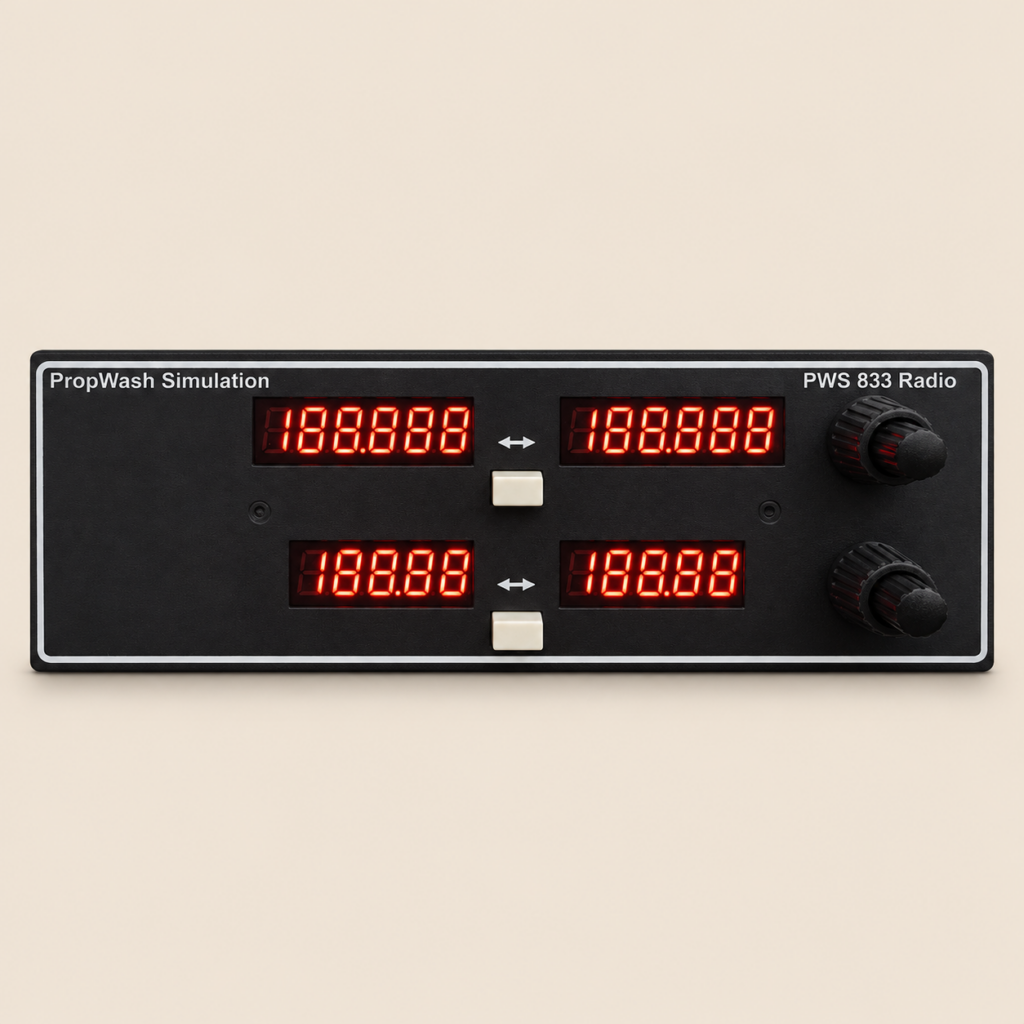
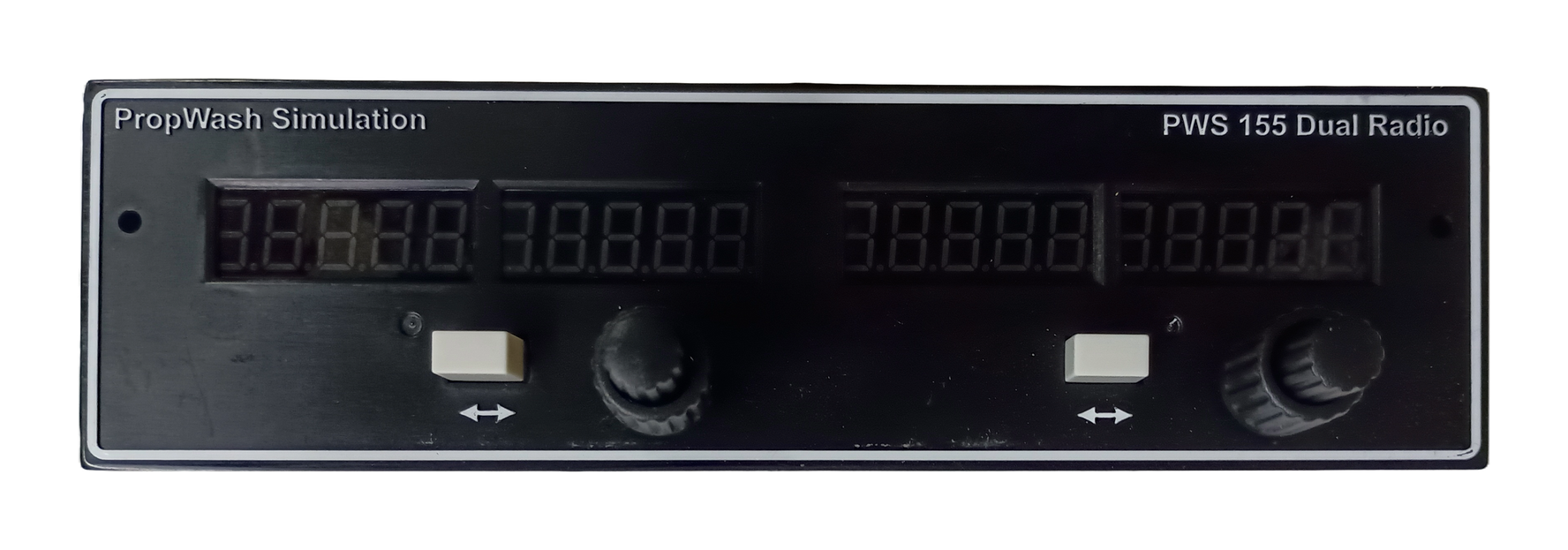
Explore the flight simulator transponder panel from PropWash Simulation. Review the product details below to choose the right hardware for your cockpit.
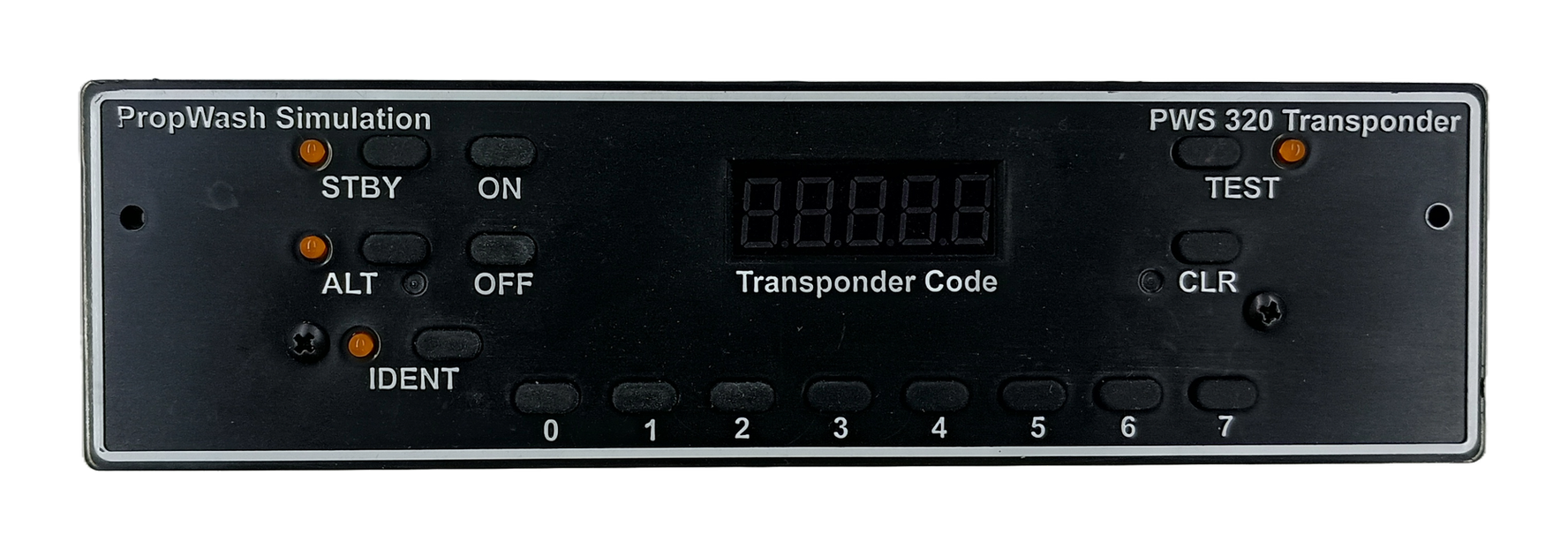
PropWash Simulation PNP Digital Transponder
Fully assembled and Plug and Play!
Simple plugin for X-plane or FSX/P3d/MSFS – see downloads page
Set the transponder code by pushing the buttons. The dot (.) to the left of the code shows the transmit signal. Functions with Standby, Altitude (mode C), Ident, and Test
Please note in FSX and P3d: functions are limited due to the limitation in the Flight Sim Software.
Works with Pilot Edge and VatSim for all supported simulators
Ready to be installed in your panel.
Assembled in the USA with high quality components
Faceplate is made of injection moulded plastic with raised white lettering.
Requirements::
Windows 10
X-plane 11 or 12
FSX/P3d (64bit versions)
MSFS
Download the installation file and plugin here: https://www.propwashsim.com/downloads
Includes:
-
Transponder
-
USB Cable
-
Plugin software
Flight simulator transponder panel: setup and selection
Set up your transponder controls
Review the supported functions for your simulator before installing the panel. Standby, altitude, ident, and test behavior can vary with the simulator limitations described above. Use the PropWash software for your setup and test the displayed code and button responses in your chosen aircraft. Check the installation requirements before planning the panel position in your radio stack.
Resources and help
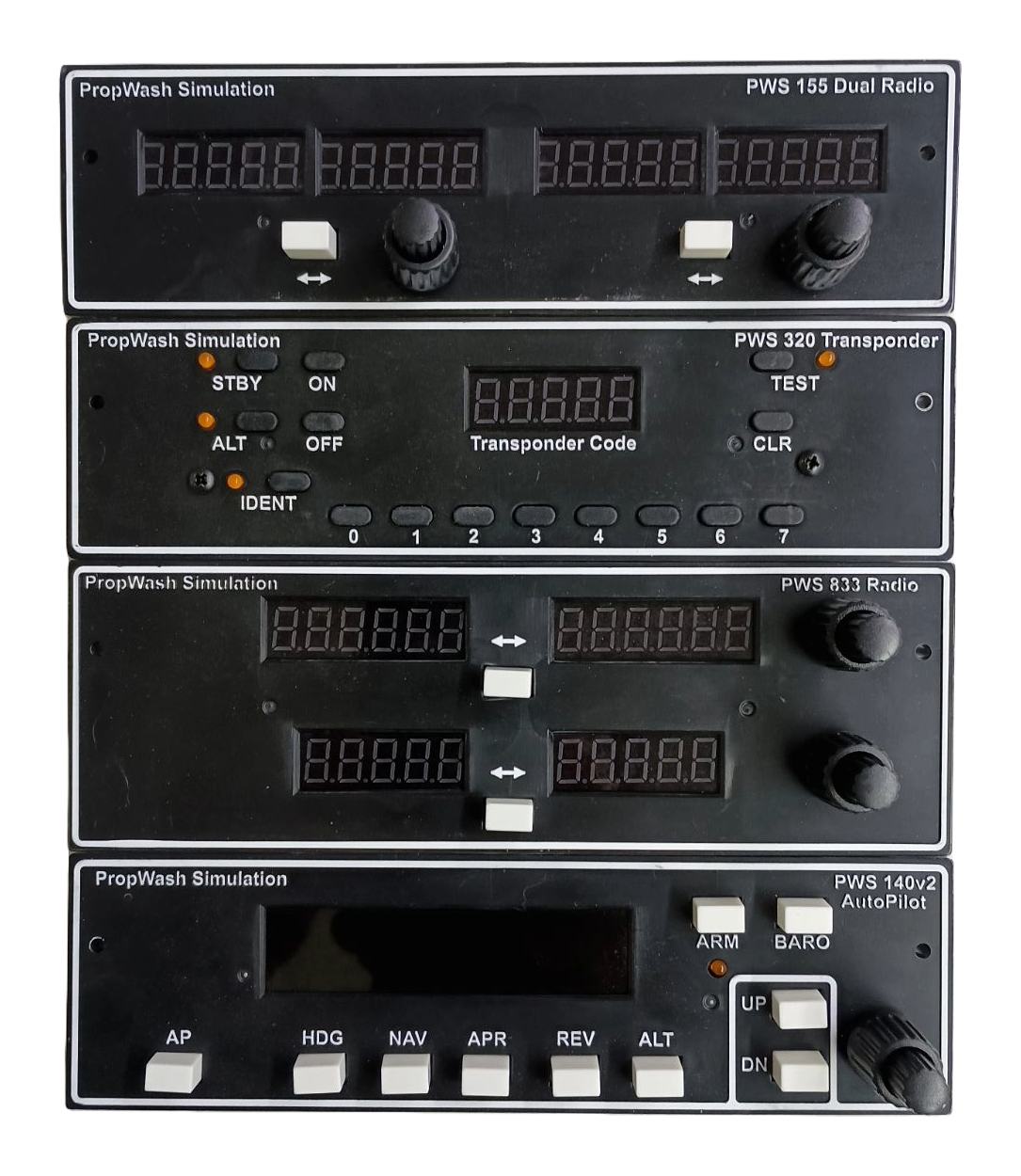
Compare PWS155 radio panel and visit our software and installation downloads. For help choosing a flight simulator transponder panel, contact PropWash with your simulator, aircraft, and project details.
For additional background, see the official FSUIPC documentation. Third-party resources supplement the product-specific requirements above.